
When people search for the Outstanding Tiny Desk AI template, they mean the fixed scene every version of the meme is built on. The office, the little desk, the instruments and the order of shots never change. The only thing that changes is who is in the band. This guide takes the template apart: what stays, what gets swapped, the four shots, the five parts and the two ways to fill them.
What the template keeps
Everything about the room and the camera comes from the original desk concert, in every version:
- The set. A small cluttered office desk with a red keyboard and a desk mic, record shelves behind it, the band squeezed in on all sides.
- The gear. Headsets on the backup singers, a gold sax for the solo.
- The camera. The same four shots, cut at the same moments, with the same camera moves.
- The performance. Who sings when, who punches the air, who throws their head back to laugh.
- The people you leave out. Any part you don't fill stays as it is in the original.
What the template swaps
Each person you add replaces one member of the band, and the AI takes their look from the photo you give it: the face, the hair, the age, the build and the clothes. Nobody keeps the original band member's face. That is why the clothes in your photo matter as much as the face. A work fleece, a team hoodie or a wedding suit shows up behind the desk exactly as it is in the photo.
The four shots
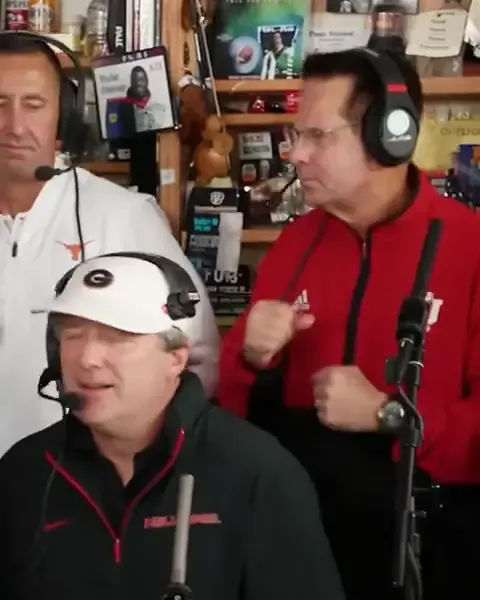
- The band at the desk. A wide shot of the whole crew wedged around the desk. The lead singer leans into the mic behind the red keyboard while the two backup singers in headsets punch the air.
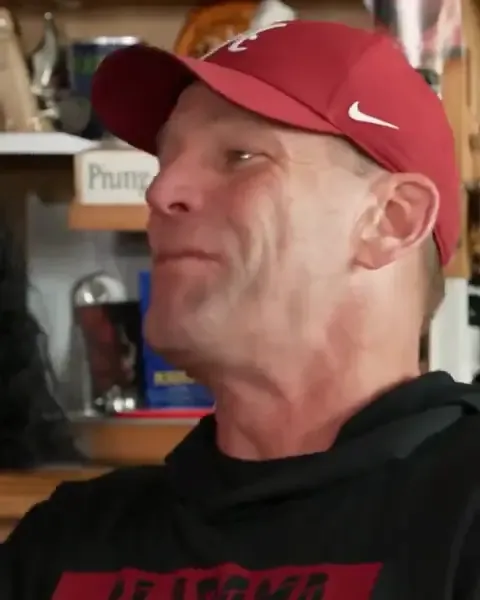
- The close-up. A hard cut to one face, side-on and mouthing the words, which then turns and grins straight into the lens.
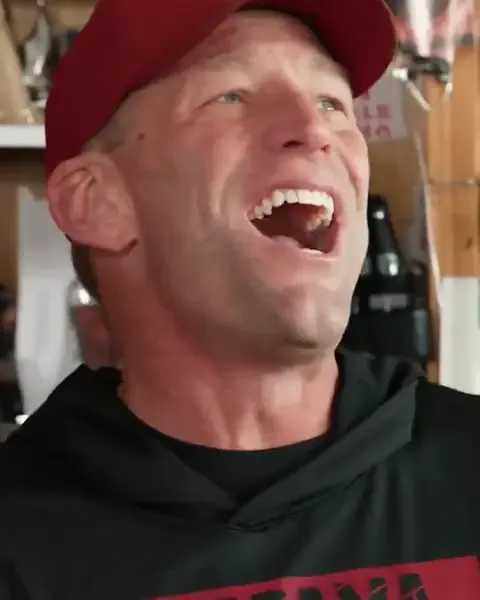
- The laugh. The same person throws their head back and laughs, hand up, as if they can't believe how good the band sounds. It is the frame people screenshot.
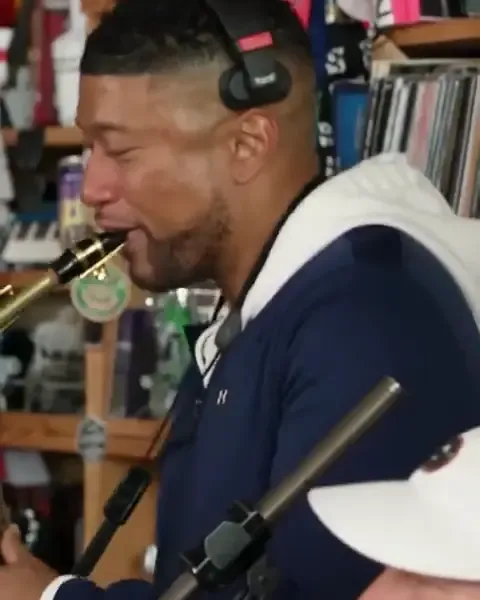
- The sax solo. The last shot belongs to the sax player, eyes shut and deep in the solo, with the lead singer nodding along in front.
The five parts
| Part | Where you see them | Who it suits |
|---|---|---|
| The close-up | Shots 2 and 3, filling the screen | The person the video is about |
| Lead singer | Center of the wide shot, at the desk mic | The loudest friend, the boss, the captain |
| Sax | Shot 4, the last thing anyone sees | The surprise, the quiet one |
| Backup singer 1 | Back left, in a headset | Whoever laughs hardest at the result |
| Backup singer 2 | Back right, in a headset | The other one who laughs hardest |
The close-up is the only part you have to fill. Leave any of the other four empty and that band member stays as they are in the original.
Filling the template with one group photo
A single group photo of up to five adults fills the band from the left, in this order: the close-up, the lead singer, the sax, backup singer 1 and backup singer 2. Before you take it, line everyone up in that order, with the person who gets the laugh on the far left. If fewer than five people are in the photo, the parts left over stay as they are in the original.
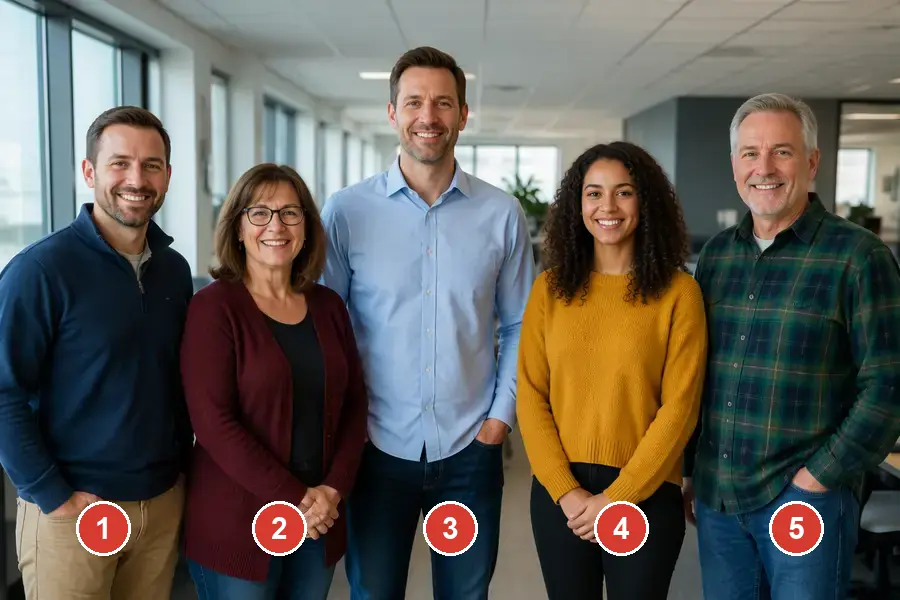
Every face in the photo needs to be sharp and big enough to see, with nobody half hidden behind someone else.
Filling it with a photo each
Switch to A photo each and every part gets its own upload: your photo for the close-up, then the lead singer, the sax and the two backup singers if you want them. This takes a few more taps but lets you cast each part by hand, and it works when the band is spread across different cities. Use one adult per photo, waist-up, facing the camera.
Once the parts are filled, tick the box confirming everyone agreed and press the button on the Outstanding Tiny Desk AI video generator. For photo tips and posting advice, see how to make the Outstanding Tiny Desk AI video.
Fill the template with your crewQuestions about the Outstanding Tiny Desk AI template
Is there an Outstanding Tiny Desk meme template to download?
There is nothing to download. The template lives on the generator page: the scene is already set up there, and you add photos instead of editing a video file.
Can I change the scene or the order of the shots?
No. The office, the gear and the four shots are what make it the Outstanding Tiny Desk meme, so they stay exactly as they are. What you choose is who plays each part.
Can more than five people be in it?
The band has five parts, so up to five people can be swapped in. In a larger group, pick the five who matter most to the joke.
Do people keep their own clothes?
Yes. Everyone wears what they have on in their photo, so choose photos where the outfit is visible from the waist up.